Lately, screen privacy on tech devices has become a recurring topic once again, ever since we started getting displays with built-in technology to prevent someone sitting next to us from seeing what is on our screen.
However, these types of displays are clearly more expensive than traditional ones, and as such, Shoji emerges as a much cheaper alternative for the MacBook, offering a quick and simple way to maintain the privacy of what we are doing or of specific windows on our device.

 Fonte preferida
Shoji is an application designed for macOS that, with a simple keyboard shortcut, blurs the active window or the entire screen, allowing only those who know the password, or via Touch ID, to “unlock” the normal view of the content—or, depending on the situation, with a simple press of the “esc” key.
Meet Shoji and get greater privacy on macOS
Shoji is an application, among many others, developed by Everyday Mac Tools, a place where we can find 12 distinct apps for different functionalities developed specifically for the macOS system.
What Shoji does is give the user back a bit more privacy over what is happening on their computer screen, either automatically or with a quick keyboard shortcut.
Aproveite a campanha:


The application is easy to install, and a single payment of €12.50 allows you to keep the app installed forever on 3 MacBooks simultaneously.
With a fairly simple and intuitive settings menu, Shoji doesn’t need much explanation on how it works. The main shortcuts are already set by default: ⌘+L blurs the entire screen and asks for the password, or the use of Touch ID, to unlock it, and ⌥+⌘+L blurs the window currently in use and keeps it locked until the password is entered.


In addition to these two shortcuts, which can be changed, we can also set two other shortcuts to blur the entire screen or a single application without requiring a password to restore the normal window view.
This positive point is, at the same time, a slight drawback as it always forces the user to go into the settings to configure those shortcuts.
Beyond the shortcuts, the application also offers the option to designate any installed app as something to be kept private, automatically blurring everything when it is in the background and bringing it back into focus when we are actively using that specific application.
macOS Lock or Shoji?
Generally speaking, Shoji seems to do the exact same thing as the standard macOS lock screen, which also works with keyboard shortcuts and locks everything using the device’s password.
However, as similar as it may seem, there are several differences, and one does not cancel out the other.

The application is designed to be faster, more convenient, and allows everything running on the system to continue without interruptions—something that does not happen with the native alternative.
Furthermore, besides allowing you to lock or hide information from just a single application, it responds faster than the system lock option, which can be useful depending on the situation and the information on the screen.

Beyond that, the app also keeps a log of failed unlock attempts, allowing you to confirm whether someone tried to tamper with your device while you were away.
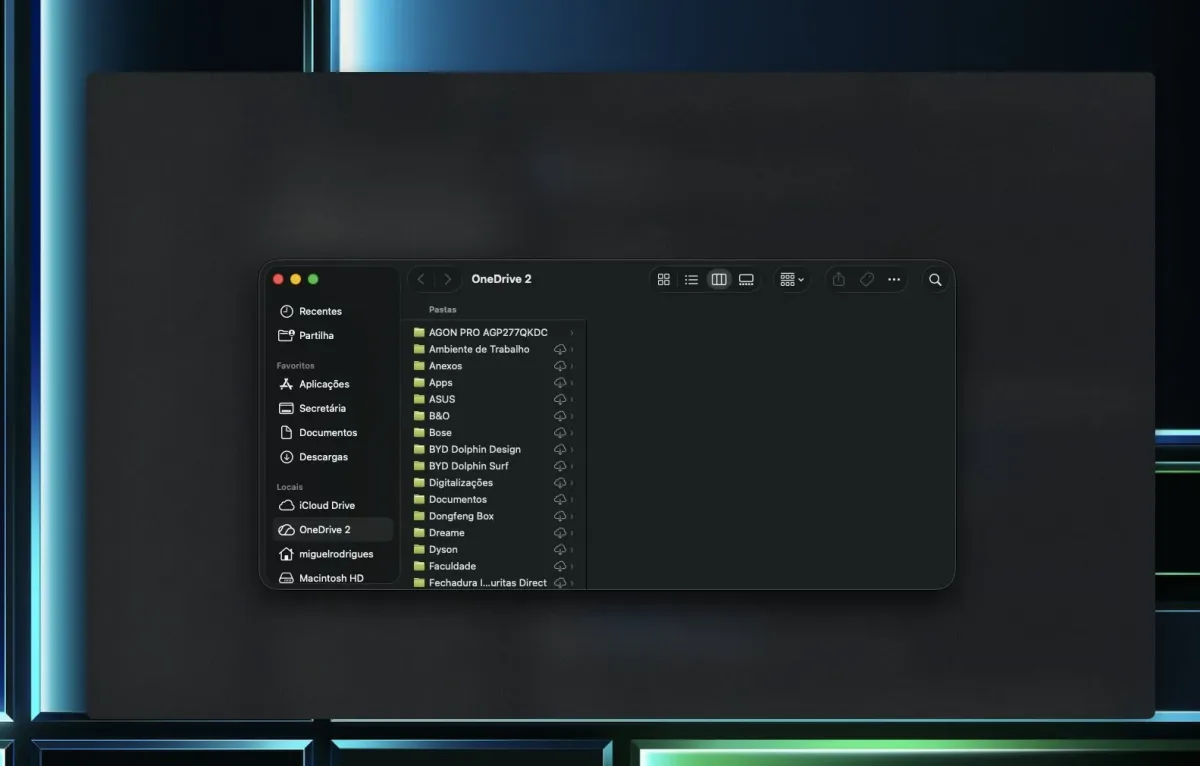
Ultimately, Shoji offers greater convenience throughout the day, keeping everything running smoothly without displaying information we don’t want to share, while the native system function remains better suited for when we finish for the day or are away for extended periods.
Is Shoji worth it?
The short answer to this question is: it depends.
This is because Shoji won’t make sense for every user, especially those who don’t usually work in public or shared spaces. However, even for the average user, privacy is always worth keeping in mind, and sometimes even a WhatsApp conversation is worth keeping private from the café staff bringing your order to the table.
The truth is that it will always depend on how much we want to protect our privacy and the content we are viewing on our computer.

The €12.50 price tag for a lifetime license that works on 3 devices simultaneously is indeed a minimal cost for what we get with the application, though it is still money out of pocket.
The Shoji app is very well designed and works incredibly well. Not a single attempt to lock or blur a window failed, and everything happens almost instantaneously as soon as the configured keyboard shortcuts are pressed.
Being able to customize all the app’s shortcuts ourselves allows each user to have quick and intuitive controls rather than following a “one size, fits all” rule, while the simple and intuitive interface makes it easy for anyone to understand how everything works and configure the app to match their personal preferences.

In an environment where we handle sensitive or confidential information, it is undoubtedly a great asset to have on a MacBook, especially since we can automatically set what we want kept “hidden” in the background so we don’t have to constantly worry about it.
These small details can help keep everything safer and more confidential in an office setting or a public environment where anyone walking up to us can see everything on our screen.
The everyday user can benefit from Shoji mainly to protect private chats or emails when in public spaces or sitting next to colleagues they don’t want reading what is happening on their screen.
Shoji is a simple application with a very specific purpose and an incredible ease of setup and use. At €12.50 for a lifetime license across 3 devices simultaneously, it is a minimal investment to ensure greater privacy on a MacBook.

- Quick response to commands
- Supports multiple blur configuration modes
- 3 devices with a single licence
- Not all shortcuts are pre-configured
- The advantage over the system’s built-in lock screen may not be immediately obvious
We thank EveryDay Mac Tools for providing us with access to the application for review.
Sobre o autor

Aproveite a campanha: